

Detailed Review of the Lenovo IdeaPad 3 15.6″ FHD Chromebook: A Practical Choice for Everyday Computing
In today’s digital landscape, Chromebooks are becoming increasingly popular due to their affordability, portability, and simplicity. They serve as an ideal computing solution for students, professionals, and anyone who primarily utilizes web-based applications. Among the myriad choices available, the Lenovo IdeaPad 3 15.6″ FHD Chromebook featuring an Intel Celeron N4500 processor, 4GB of RAM, and a 64GB SSD stands out as a compelling option for cost-conscious consumers. This review explores its essential features, performance, design, and usability to help you determine whether it fits your needs.
Key Features
High-Definition Display
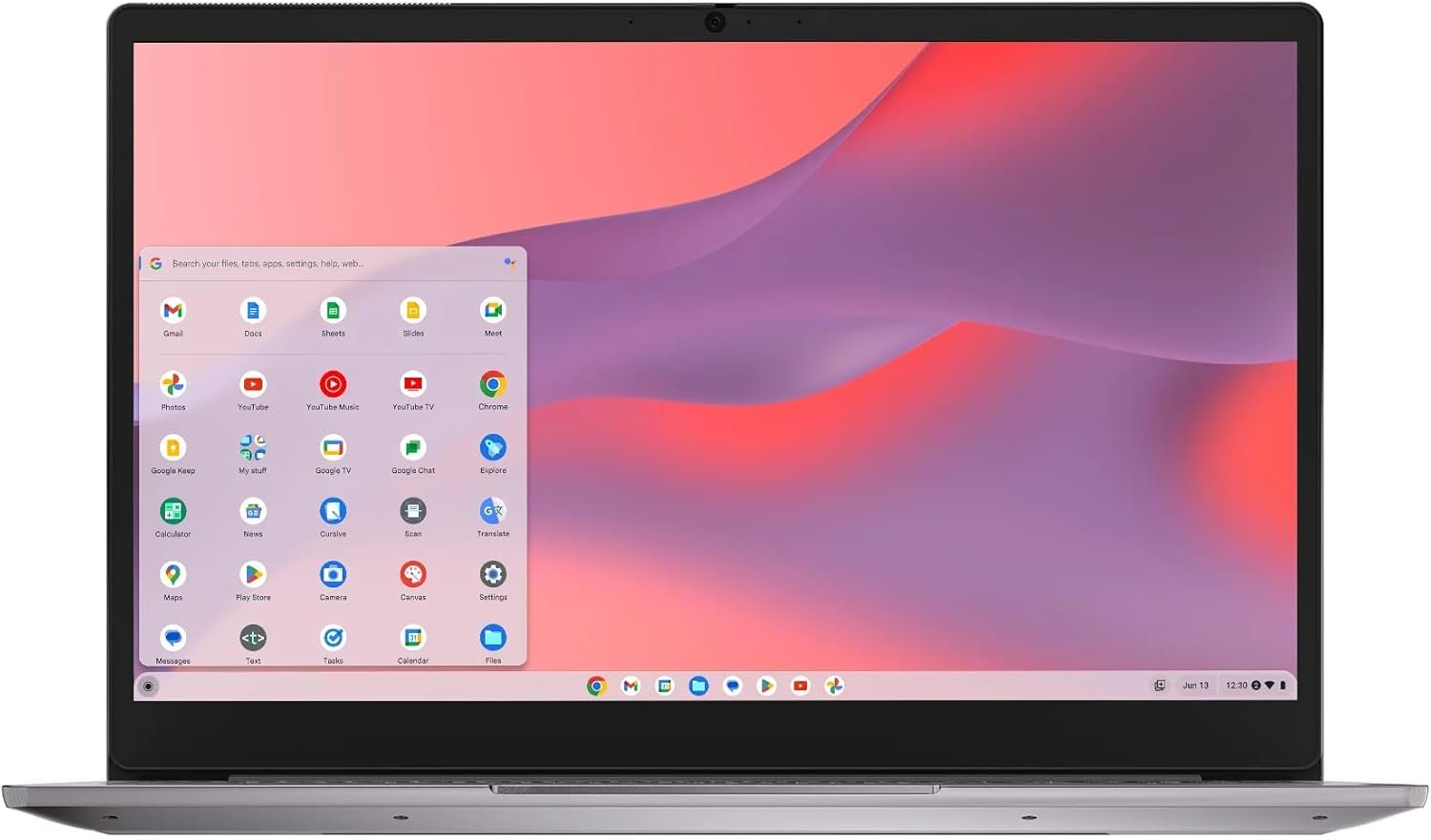
One of the standout features of the Lenovo IdeaPad 3 is its 15.6-inch Full HD (1920 x 1080) display. The vibrant screen offers a sharp and clear visual experience, making it an excellent choice for streaming videos, online learning, and casual gaming. The larger screen size provides ample real estate for multitasking, which can enhance productivity.
Efficient Processing Power
Equipped with the Intel Celeron N4500 processor, the Chromebook ensures that day-to-day tasks such as browsing, streaming, and working on documents are handled smoothly. Although not intended for heavy multitasking or resource-intensive applications, the N4500 is optimized for lightweight operations, making it ideal for users who primarily consume content online.
Sufficient Memory and Storage
With 4GB of RAM, the Lenovo IdeaPad 3 manages everyday tasks competently. Combined with a 64GB SSD, the Chromebook provides decent storage capacity for essential applications and files, while also benefiting from faster boot times and data access compared to traditional hard drives. For users who rely heavily on web applications, this configuration is more than adequate.
Chrome OS
Being powered by Chrome OS, users can take advantage of Google’s ecosystem and a plethora of apps available on the Google Play Store. Chrome OS is designed for security and ease of use, which attracts users to its simplicity and reliability. Frequent updates ensure that the system remains secure and provides a seamless user experience.
Design and Build Considerations
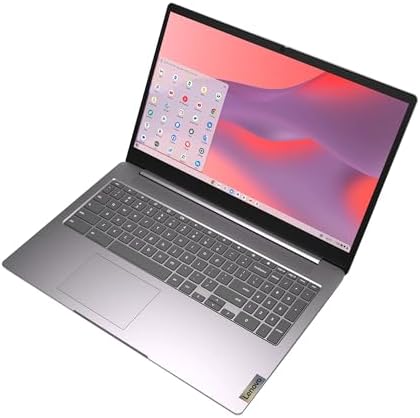
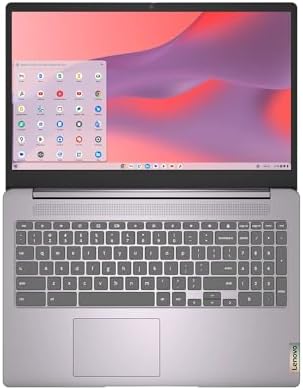
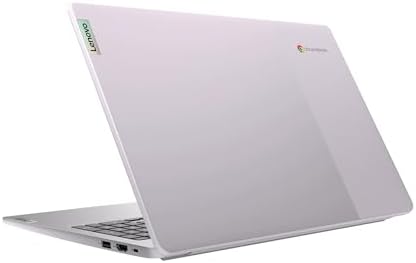
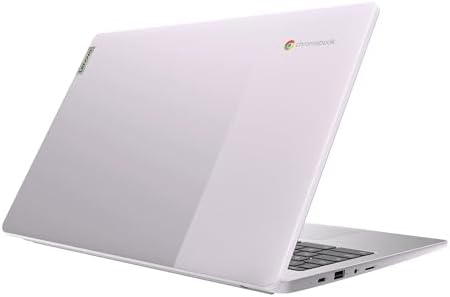
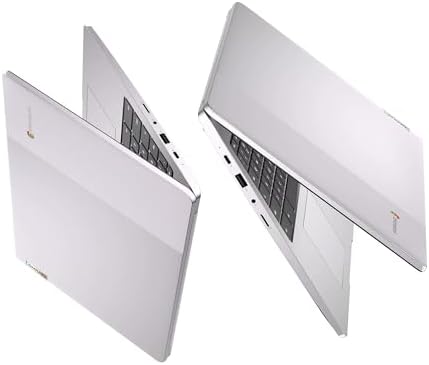
The Lenovo IdeaPad 3 features a sleek and modern design that highlights its portability. Constructed primarily from plastic, the build quality is decent, though it may not feel as premium as more expensive laptops. A keyboard of reasonable quality is included, providing adequate feedback for comfortable typing during long sessions.
Portability
Weighing approximately 3.3 pounds, the Chromebook is light enough to carry in a backpack or briefcase, making it an excellent choice for students and professionals who are often on the go. The compact size complements its usability for remote work or study.
Connectivity Options
The laptop comes with a variety of ports, including USB-C, USB-A, HDMI, and a headphone/mic combo jack, allowing users to connect to essential peripherals easily. The inclusion of Wi-Fi 5 ensures good connectivity for most applications.
Performance Expectations
In real-world usage, the Lenovo IdeaPad 3 performs well in typical scenarios such as browsing the web, accessing Google Docs, and streaming content. While it might struggle with more demanding applications like graphic design software or high-end gaming, it is designed for efficiency in lighter tasks. Battery life is competitive, offering around 10 hours on a single charge, making it reliable for full-day usage without the need for frequent recharging.
Durability and Usability
The Chromebook’s build, while not indestructible, can withstand typical wear and tear. Usability is straightforward, with a straightforward interface that won’t overwhelm new users.
Pros and Cons
Pros
- High-Quality Display: Full HD screen enhances media consumption.
- Lightweight and Portable: Easy to carry for users on the go.
- Adequate Performance: Designed for everyday tasks, including web browsing and productivity applications.
- Long Battery Life: Reliable for extended use without needing to recharge frequently.
- Access to Google Play Store: Wide range of apps and services.
Cons
- Limited Storage Capacity: 64GB may be insufficient for users with larger file sizes or heavy multimedia use.
- Performance with Heavy Tasks: Lacks the power for demanding applications or multitasking.
- Build Quality: Made from plastic, which can feel less durable compared to metal alternatives.
Comparison with Similar Products
When compared to other Chromebooks in the same category, like the Acer Chromebook Spin 713 or the HP Chromebook 14, the Lenovo IdeaPad 3 brings a competitive offering. The Acer model offers more advanced features like a higher-resolution display and 2-in-1 convertible functionality, while the HP Chromebook is marketed as a stylish variant with solid performance. However, the IdeaPad 3 stands out due to its balance of affordability and performance, making it a solid choice for budget-conscious users.
Buying Guide: Is This the Right Product for You?
The Lenovo IdeaPad 3 is suitable for:
- Students: If you need an affordable, reliable device for online classes and assignments.
- Casual Users: Ideal for browsing, and streaming, especially for those who primarily use Google applications.
- Budget-Conscious Consumers: A great entry-level Chromebook providing solid value for money.
However, it may not be the right choice for:
- Gamers: If you seek a device for gaming, look for laptops with better specs.
- Heavy Multitaskers: Those who need to run multiple applications simultaneously might find its performance lacking.
- File-Heavy Users: The limited storage capacity may be a drawback for those who require significant internal space.
Key Things to Verify Before Buying
To ensure that the Lenovo IdeaPad 3 fits your needs, consider verifying:
- Connectivity Requirements: Ensure it has the necessary ports for your peripherals.
- Storage Needs: Think about whether 64GB will suffice or if external storage options will be necessary.
- Performance Criteria: Evaluate whether your intended use matches the device’s capabilities.
- Screen Preferences: Check if the FHD display meets your expectations for media consumption.
FAQs
1. How long does the battery last on the Lenovo IdeaPad 3?
The battery can last up to 10 hours, depending on usage patterns.
2. Can I install Windows applications on this Chromebook?
No, the Lenovo IdeaPad 3 runs Chrome OS, which primarily supports web and Android applications.
3. Does it support Google Play Store?
Yes, you can access and download apps from the Google Play Store on this Chromebook.
4. Is the keyboard comfortable for long typing sessions?
The keyboard provides decent feedback, making it suitable for long typing sessions, though some users may prefer a more premium feel.
5. Can I expand the storage beyond 64GB?
While the internal storage is not expandable, you can use external SD cards or USB drives for additional storage.
In conclusion, the Lenovo IdeaPad 3 15.6″ FHD Chromebook emerges as a practical computing solution for those who prioritize affordability and basic functionality. Its design, performance, and features are well-suited for everyday tasks, making it a reliable companion for students and light users alike. If you’re in the market for a dependable Chromebook that doesn’t break the bank, this device merits serious consideration.