

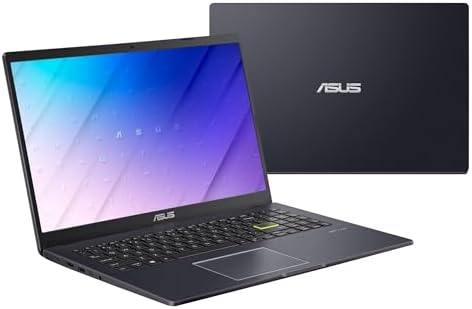
Comprehensive Review of the ASUS 15.6″ Vivobook Go Slim Laptop for Students
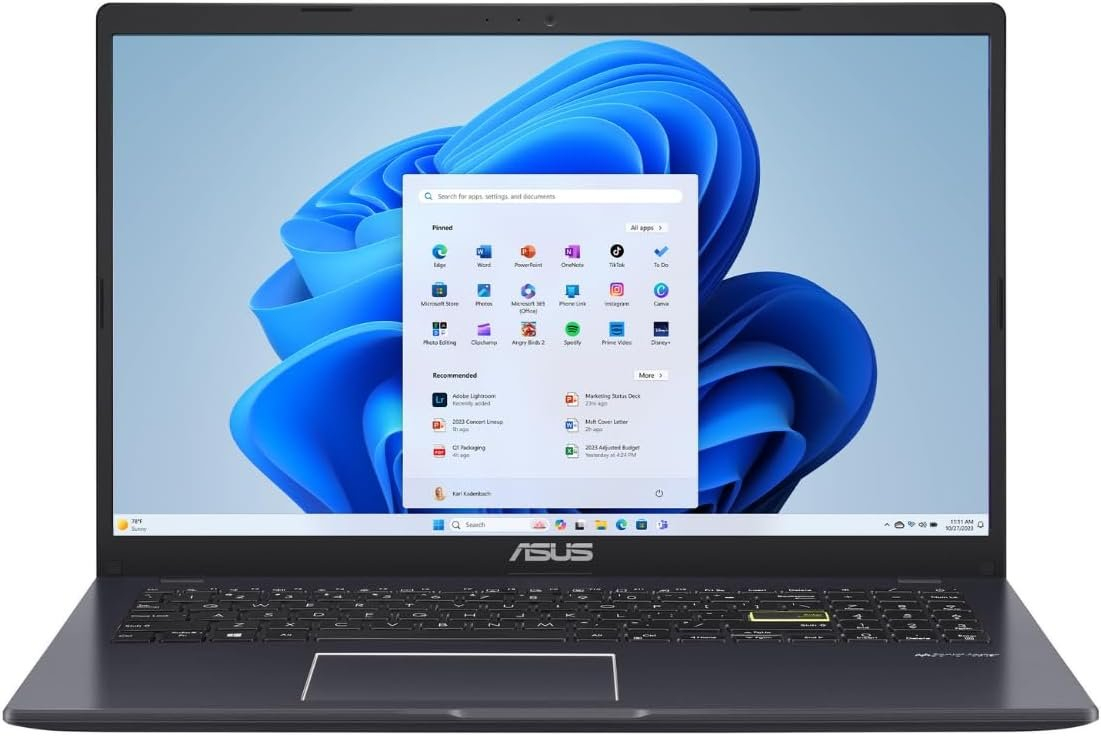
In today’s digital age, having a reliable laptop is essential for students and professionals alike. A quality laptop not only facilitates learning and productivity but also enhances the overall academic experience. The ASUS 15.6″ Vivobook Go Slim Laptop for Students – Intel N4500, 4GB RAM, 128GB SSD, Windows 11 in Star Black is a product designed specifically with students in mind, balancing performance, portability, and affordability.
This review will delve into the details of this laptop, providing an analytical perspective on its features, performance, and usability in a real-world context.
Key Features
1. Powerful Performance
At the heart of the ASUS Vivobook Go Slim is the Intel N4500 processor. This dual-core CPU is designed for efficiency, handling basic tasks such as web browsing, document editing, and video streaming with ease. While it’s not suited for high-demand applications like gaming or intensive graphic design, students will find it perfectly capable for everyday schoolwork.
2. Adequate Memory and Storage
Equipped with 4GB of RAM, this laptop provides a sufficient multitasking environment for general use. It allows users to manage several tabs in the browser or run applications simultaneously without significant slowdown. The 128GB SSD offers fast boot times and data access speeds, making it ideal for quick startups and responsive file management. However, potential buyers should consider their storage needs if they plan to store large files locally, as the space is limited.
3. Operating System
The ASUS Vivobook Go ships with the latest Windows 11 out of the box, providing users with a modern, user-friendly interface that enhances productivity through its updated features and improved visual aesthetics. Windows 11 enhances gaming capabilities, productivity tools, and seamless integration with Microsoft services, which is beneficial for students.
4. Display Quality
The 15.6-inch display features an HD resolution, delivering decent visuals for everyday tasks, presentations, and streaming. While it may not offer the sharpness of higher-resolution screens, it provides satisfactory clarity for most student-related uses.
5. Battery Life
With a battery that can last up to 8 hours on a single charge, the ASUS Vivobook Go Slim is designed to keep pace with a student’s busy day. From attending classes to studying in the library, it offers the convenience of portability without the hassle of frequent charges.
Design and Build Considerations
The ASUS 15.6″ Vivobook Go Slim is designed with students’ needs in mind. Weighing in at approximately 3.5 pounds, it is lightweight and easily portable, making it a suitable choice for students who are often on the move. Its slim profile allows it to fit effortlessly into backpacks without adding unnecessary bulk.
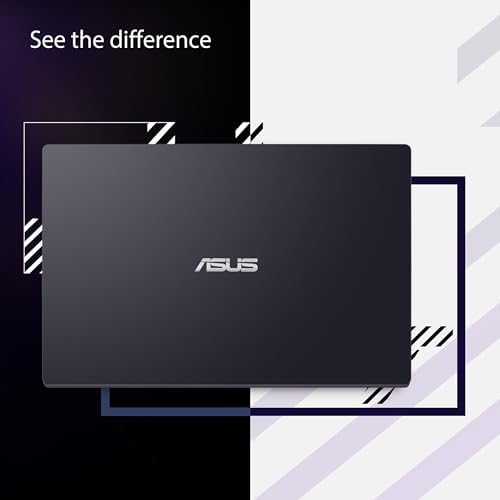
The build quality is solid, featuring a plastic chassis that, while not as premium as metal constructions, offers a good level of durability for daily use. The Star Black color gives it a sleek, sophisticated appearance that appeals to the contemporary student.
The keyboard layout is user-friendly, with well-spaced keys that offer comfortable typing, and the touchpad is responsive and supports gestures, improving usability during quick tasks.
Performance Expectations
In real-world usage, the ASUS 15.6″ Vivobook Go Slim performs reliably. It is ideal for web browsing, online classes, and productivity applications such as Microsoft Office. Users can easily manage tasks like note-taking, research, and video conferencing without significant lag.
However, it’s important to note that while the laptop handles everyday tasks well, it may struggle with more demanding applications such as graphic design software or high-end gaming. For basic tasks, the laptop exhibits decent performance, user-friendly operation, and sufficient durability for student use.
Pros and Cons
Pros
- Affordable: Offers a great price-to-performance ratio for students.
- Lightweight and portable: Easy to carry around campus.
- User-friendly interface: Windows 11 provides a modern experience with straightforward navigation.
- Good battery life: Lasts through most of the school day on a single charge.
- Satisfactory performance for basic tasks: Handles education-related applications well.
Cons
- Limited RAM and storage: Multitasking and local storage can be restrictive for heavy users.
- Mediocre display resolution: While suitable for most tasks, it may not satisfy users seeking high-definition visuals.
- Plastic build: Less premium feel compared to metal alternatives, which may impact long-term durability.
Comparison with Similar Products
When compared to other budget laptops such as the Acer Aspire 5 or Lenovo IdeaPad 3, the ASUS 15.6″ Vivobook Go Slim offers similar performance metrics but stands out with its lighter weight and sleek design. While other models may have better display quality or slightly more power, the Vivobook Go maintains an attractive balance of features for students who prioritize portability and affordability over high-end specs.
Buying Guide: Is This the Right Product for You?
The ASUS 15.6″ Vivobook Go Slim Laptop is an excellent choice for:
- Students who require a reliable, portable laptop for everyday tasks like note-taking, browsing the web, and streaming educational content.
- Casual users who need a dependable machine for basic productivity tasks without the need for advanced computing power.
However, if you are a student majoring in fields that require high-performance computing (e.g., graphic design, gaming, or advanced programming), you may want to consider alternatives that offer better RAM and processing capabilities.
Key Things to Verify Before Buying
Before purchasing the ASUS Vivobook Go Slim, consider the following:
- Check your storage needs: If you use many applications or store large files, the 128GB SSD may be inadequate without external storage solutions.
- Examine RAM requirements: Ensure that 4GB of RAM meets your multitasking needs. If you often run multiple heavy applications, look for options with greater RAM.
- Confirm warranty and support: Review ASUS’s warranty and customer support options, which are crucial for peace of mind in case of device issues.
FAQs
1. Is the ASUS Vivobook Go Slim suitable for gaming?
While it is designed for everyday tasks, the Intel N4500 processor and limited RAM make it unsuitable for gaming. Casual games may run, but performance will be limited.
2. Can I upgrade the RAM or storage on the Vivobook Go Slim?
This laptop has limited upgrade capabilities. It is advisable to confirm upgrade options before purchasing if you anticipate needing more performance in the future.
3. Does the Vivobook Go Slim support Wi-Fi 6?
Yes, it does support Wi-Fi 6, allowing for faster and more stable internet connections, which is especially beneficial for online classes or streaming.
4. What are the available ports on the Vivobook Go Slim?
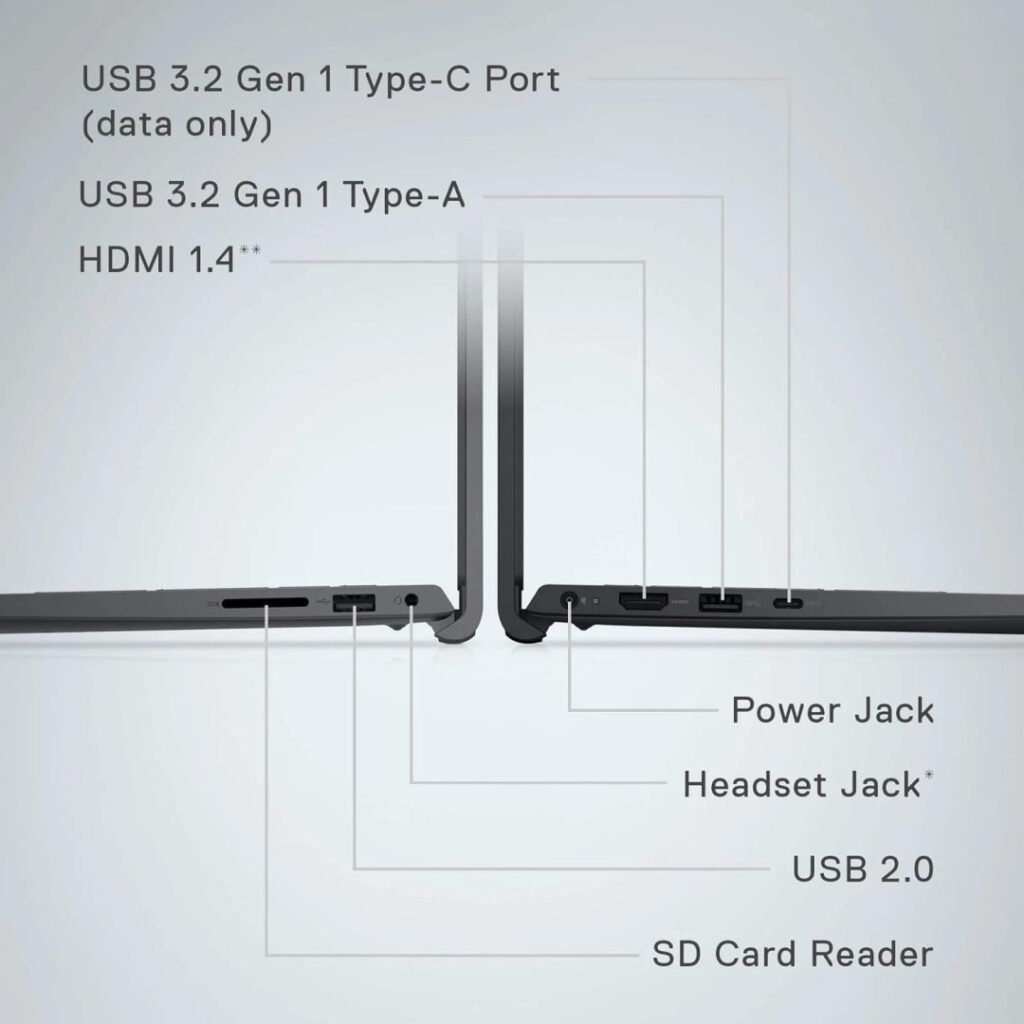
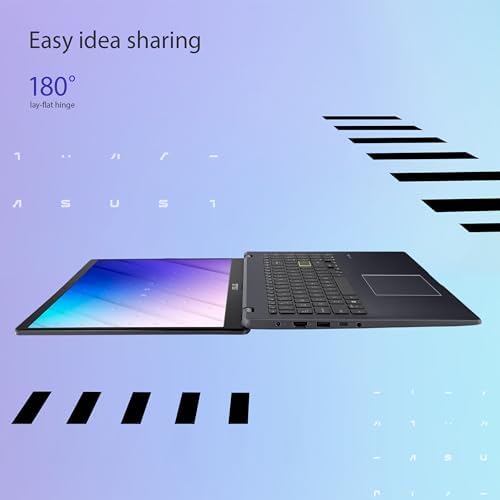
The laptop includes USB Type-A, USB Type-C, HDMI, and a headphone jack, providing various connectivity options for peripherals and external displays.
5. What is the warranty period for the ASUS Vivobook Go Slim?
Typically, ASUS products come with a one-year warranty, but be sure to check the specifics at purchase or consult the retailer for additional information.
In conclusion, the ASUS 15.6″ Vivobook Go Slim Laptop is tailored to meet the essential needs of students and casual users looking for a balance of performance, portability, and affordability. As you consider your options, ensure that this laptop aligns well with your academic and personal requirements for an optimal user experience.